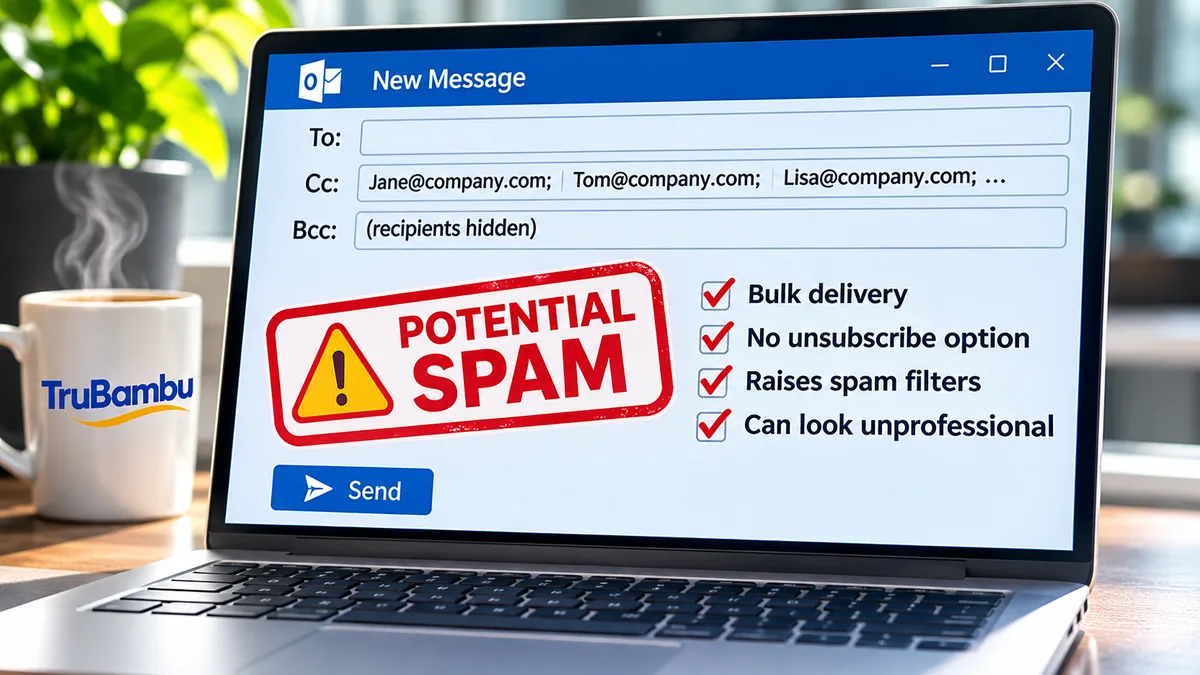
Why CC / BCC can make you look like a spammer
When you send to a group using CC or BCC in a standard email client (like Outlook, Gmail, etc.), a few things happen that trigger spam filters or make recipients suspicious:
- Bulk delivery – Dozens (or hundreds) of recipients in a single send looks like mass-mailing behavior, which is exactly what spammers do.
- No unsubscribe option – Legitimate marketing emails provide a clear unsubscribe link. Without one, your recipients may mark your email as spam.
- Inconsistent personalization – Everyone gets the same generic message, no personal salutation, which feels spammy.
- Exposed addresses (CC) – Using CC exposes everyone’s email to each other. That’s both unprofessional and a privacy red flag.
- Hidden addresses (BCC) – Using BCC hides recipients, which spam filters interpret as a bulk blind send.
What to use instead
The professional alternative is to use a mailing list tool or email marketing platform that’s designed for group communication:
- Email marketing platforms – Mailchimp, Constant Contact, SendGrid, HubSpot, etc. These handle bulk email delivery, provide unsubscribe links, and reduce spam risks.
- Mail merge / personalized send – If you’re using Outlook or Gmail, you can use add-ons (like Google Sheets + Gmail mail merge, or Outlook’s Mail Merge with Word) so each person gets their own individual email, not one big CC/BCC dump.
- Distribution lists / Groups – If it’s an internal team, use Microsoft 365 Groups, Google Groups, or a company distribution list. These are managed, compliant, and don’t flag as spam.
👉 Rule of thumb:
- CC = few people who all know each other, for collaboration.
- BCC = rarely, only for one-off cases where privacy matters.
- Anything beyond that → use a proper mailing list system.